
Running a Vac Truck Fleet From One Dispatch Board
Whiteboards, group texts, and spreadsheets work at three trucks. At fifteen they start losing jobs. Here is how vac truck, hydro-excavation, and catch basin operators can run the whole fleet from one dispatch board.
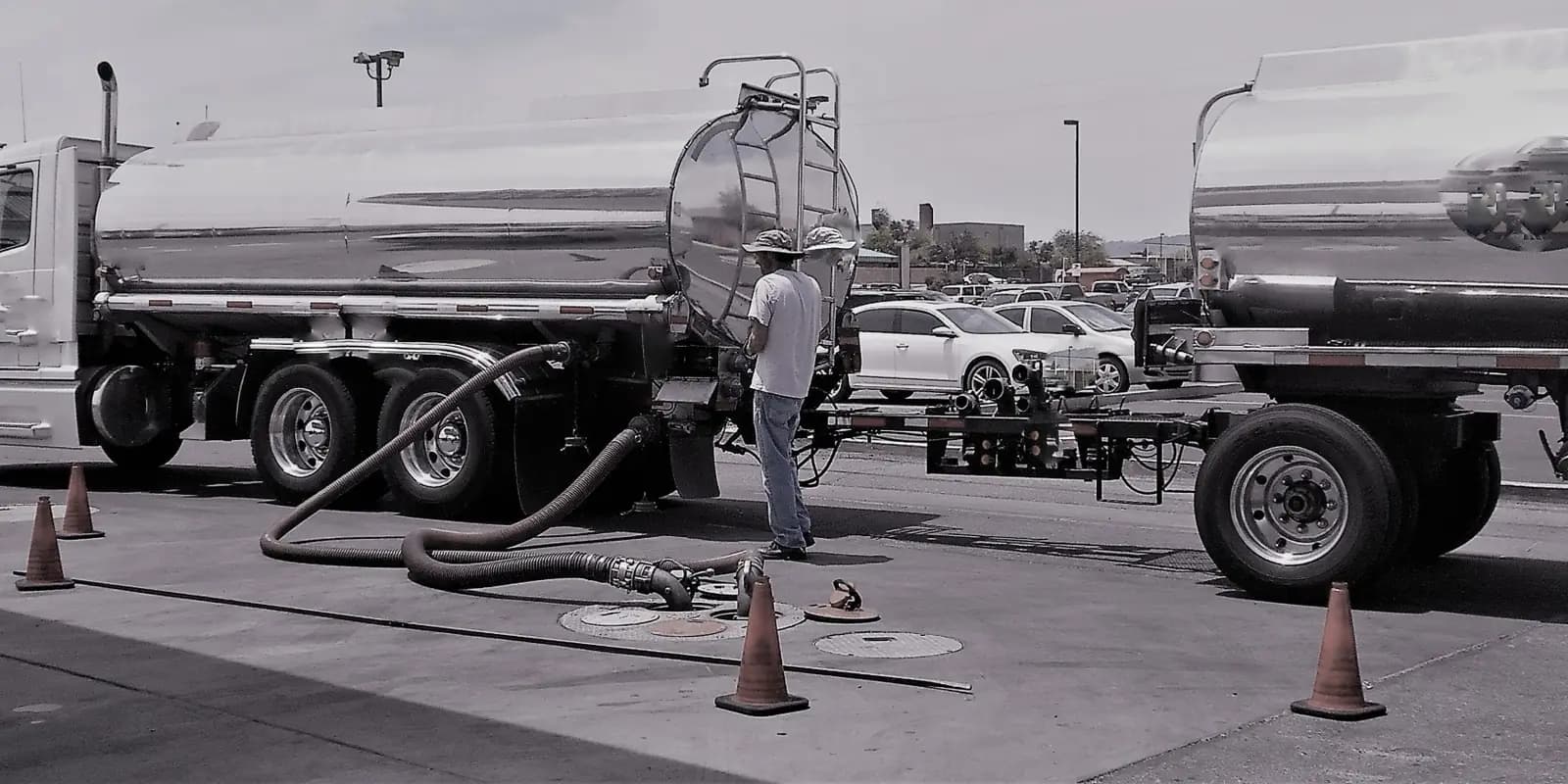
Most vac truck companies start with a whiteboard. The owner knows every truck, every operator, and every customer, and the board on the wall plus a group text is enough.
Somewhere between five and fifteen trucks, that stops working. A recurring catch basin route gets missed because it lived in someone's head. A hydro-ex crew shows up without the right operator. A spill call comes in at 4 p.m. and nobody can say which truck is closest or which one is still at the disposal site. And at month end, the office is rebuilding the job history from paper tickets to send invoices.
The answer is not more whiteboards. It is one board that the dispatcher, the drivers, and the office all work from.
What one board has to handle
A vac truck or environmental services fleet has more going on than a typical service business:
- Mixed work. Scheduled hydro-excavation, recurring catch basin and stormwater routes, industrial cleanouts, and emergency spill response, often on the same day.
- Specialized equipment. Combination trucks, hydro-ex units, and trailers are not interchangeable, and some are down for maintenance at any given time.
- Skilled operators. Not every driver can run every truck or every job type.
- Paperwork on every job. Manifests, bills of lading, safety documents, and timecards that all have to match the work.
If the dispatch tool cannot see trucks, people, and jobs together, the dispatcher fills the gaps by memory.
1. Put every truck and every job on one timeline
The core of the board is a timeline with every vehicle down the side and the day across the top. When you can see the whole fleet in one view, double-booking and idle trucks are easy to spot.
Things to look for:
- Day, week, and two-week views, so you can plan a recurring route and still handle today
- Filters by crew and skill, so you only put a job on a truck with someone qualified to run it
- The ability to book a job from anywhere, not just from the scheduling screen
2. Do not let unassigned work disappear
The jobs that hurt most are the ones nobody scheduled: the callback that got written on a sticky note, or the job that rained out and never came back.
A good board keeps an assignable job pool under the timeline, with missed and carried-over jobs flagged so they get rescheduled instead of forgotten. Recurring jobs like monthly catch basin routes should land in the pool automatically, with overdue alerts when something slips.
3. Know which trucks are actually available
Before you assign anything, you need to know which trucks are running. A live fleet status board shows every truck, van, and trailer as available or down for maintenance, next to staff availability. That way a dispatcher does not put the hydro-ex unit on a job the morning it is in the shop.
4. See the day on a map
A schedule tells you what is happening. A map tells you whether it makes sense. A route map that plots each truck's stops for any date, with trucks color-coded and toggled on and off, shows coverage at a glance, and helps the dispatcher place an emergency call on the truck that is actually nearby.
Drivers need the opposite view: only their own jobs. A driver view gives each operator their assigned work without the noise of the whole board.
5. Let the job carry the paperwork
This is where most dispatch tools stop and the office takes over. The crew finishes the job, and then someone re-keys the same information into a manifest, a timesheet, an invoice, and the accounting system.
Instead, the job on the board should be the record everything else is built from: the quote that became the work order, the manifest and bill of lading, the operator's timecard, and the invoice. Then, when the job is done, it lands in a ready-to-bill queue instead of a pile of tickets.
How Sitehound Dispatch does it
Sitehound Dispatch is a field service ERP built for environmental and waste service companies, including vac truck and hydro-excavation, catch basin and stormwater cleaning, industrial cleaning, spill response, used oil and septic pumping, and roll-off hauling.
- Dispatch board with day, week, and two-week views, crew and skill filters, and an assignable job pool with missed and carried-over flags
- Recurring jobs and overdue alerts surfaced automatically
- Route map and driver view for every truck
- Operations dashboard with fleet status, maintenance, and staff availability
- Quotes that convert to work orders in one click
- Manifests, BOLs, and EPA e-Manifest readiness checks generated from the job
- Timecards, certified payroll, and prevailing wage support tied to every job
- Ready-to-bill, invoicing, and QuickBooks integration to close the loop from job to cash
Built and supported in Bellevue, Washington, Dispatch is sized for operators running 5 to 50 trucks with a dispatcher and an office team.
Want to go deeper on the paperwork? Read our guides to Washington dangerous waste manifests and EPA e-Manifest and certified payroll for environmental contractors in Washington.
Schedule a Sitehound Dispatch demo and we will set up a board with your trucks and a typical week of your jobs.